CFB 27 draft projections and Madden exports
Can DraftLab transfer my College Football 27 players directly into Madden 27?
No. DraftLab is an unofficial scouting companion, not an EA account integration or native Madden draft-class importer. It helps you track and compare prospects and prepare your own draft board.
How do I track College Football 27 players for Madden 27?
Capture screenshots or MP4 recordings of the college roster, upload them to Capture Lab, correct uncertain OCR values, approve and import players, then organize them in Draft Finder. See the step-by-step guide.
Can I build a fictional Madden 27 draft class from my own dynasty?
Yes, as a planning workflow. Review your custom/generated dynasty players, mark their draft status, select a draft year and download a manual in-game entry sheet or staging CSV/JSON. These are not native Madden draft-class files. Follow the Madden 27 entry guide and the draft board walkthrough.
Are projected Madden rookie ratings official or guaranteed?
No. DraftLab uses an experimental model to estimate rookie attributes from observed college data. Missing ratings remain uncertain. Your game's actual ratings and the player's NFL draft eligibility must be checked separately. Learn how to interpret projections.
Capture Lab, editing and duplicate players
Can I edit players after scanning a roster?
Yes. The Review step lets you correct names, positions, class years and visible numerical ratings before you approve and import them. For accuracy tips, see the capture guide.
Can I upload a video instead of screenshots?
Yes. Capture Lab accepts MP4 recordings and attempts to combine the roster rows visible across selected frames. Slow, steady video and visible column headers improve results.
Is the stat recognition always accurate?
No. The OCR and second numeric reader are beta features. Some numbers, particularly small digits, low-resolution video and NIL figures beside an icon, can be misread. Inspect highlighted values against the original game screenshot.
Can repeated scans create duplicate prospects?
DraftLab attempts to recognize the same player across repeat imports and hides clearly matching duplicates in Draft Finder. Check the school, position and player name before merging records; similar names can belong to different people. Confirm your roster after a large import.
What if I refresh before finishing a review?
Capture Lab has local review recovery and downloadable backups for unfinished work on that device. It is not a cross-device cloud backup of pending OCR rows, so download a review backup before switching browsers or machines.
Does feedback automatically train an AI model?
No. Feedback can help developers identify failures, create test examples and evaluate future improvements. The current screenshot scanner uses OCR and an experimental digit classifier; it does not automatically retrain itself every time someone submits an error.
Accounts, privacy, and public leagues
Is DraftLab 27 free?
Yes. The main DraftLab 27 beta tools are free to use. No paid subscription is required for the current Capture Lab and Draft Finder features.
Do I need Google Sign-In?
No. Guests can use the main tools in their browser. Google Sign-In is optional for a private cloud workspace.
Does uploading a screenshot send it to DraftLab's servers?
Capture Lab processes screenshot and MP4 OCR in your browser. If you separately use the Feedback form and attach a screenshot, that attachment is sent through the site's feedback email provider. See the Privacy Notice.
What does Online Leagues do?
A commissioner can publish a read-only draft board and share a link. It does not connect to EA Online Dynasty servers or sync rosters automatically. Private cloud workspaces are separate from published league content.
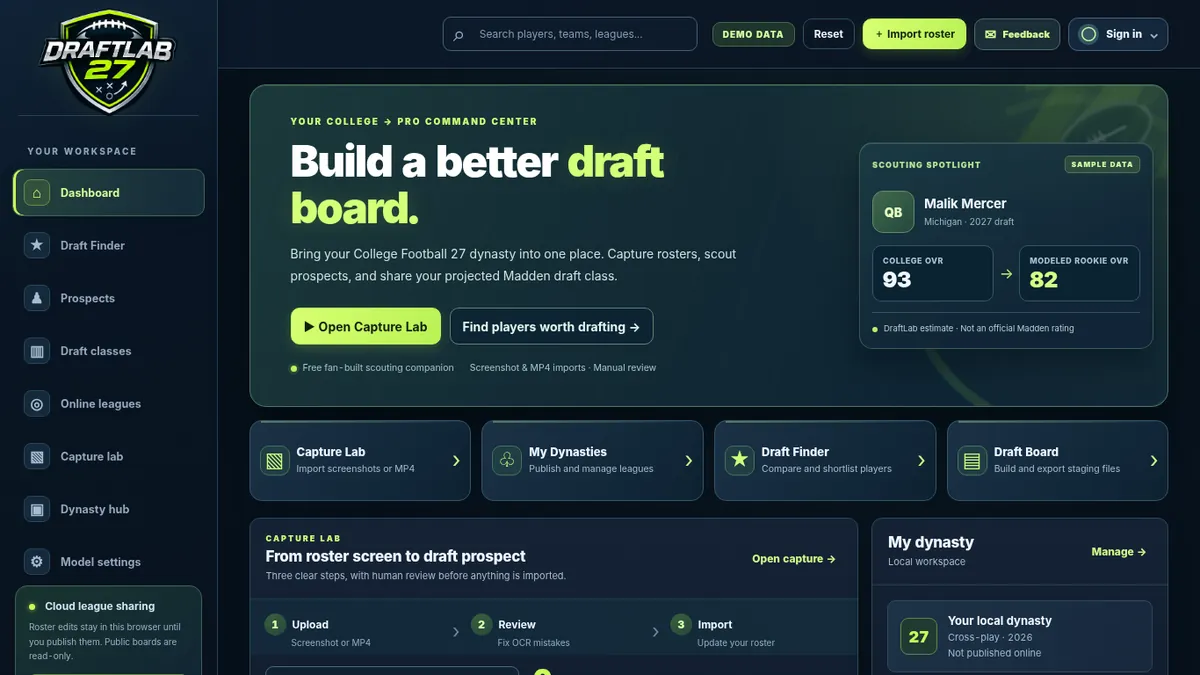
See the actual DraftLab interface